Overview
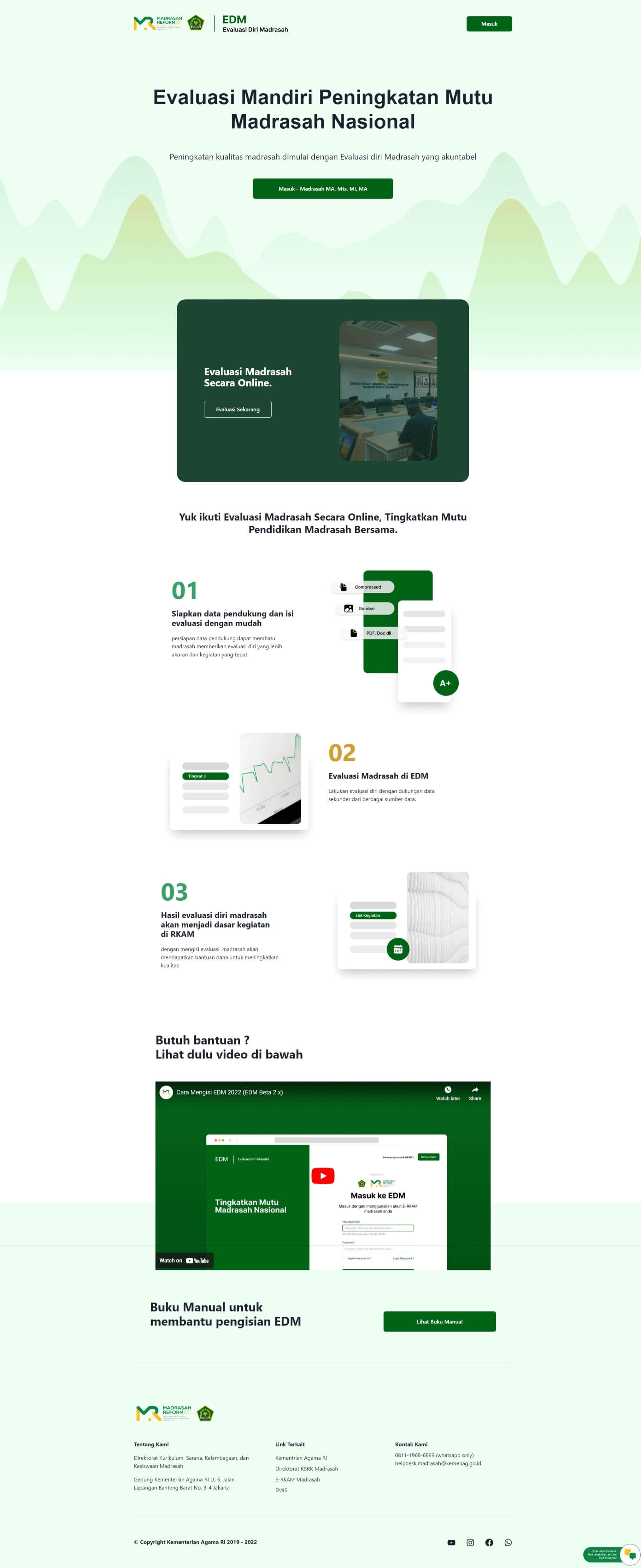
The School Self-Evaluation Platform is a web application for self-evaluation processes in Islamic schools under the Ministry of Religious Affairs of Indonesia. Schools use it to assess their performance, plan improvements, and report progress to higher authorities.
Features
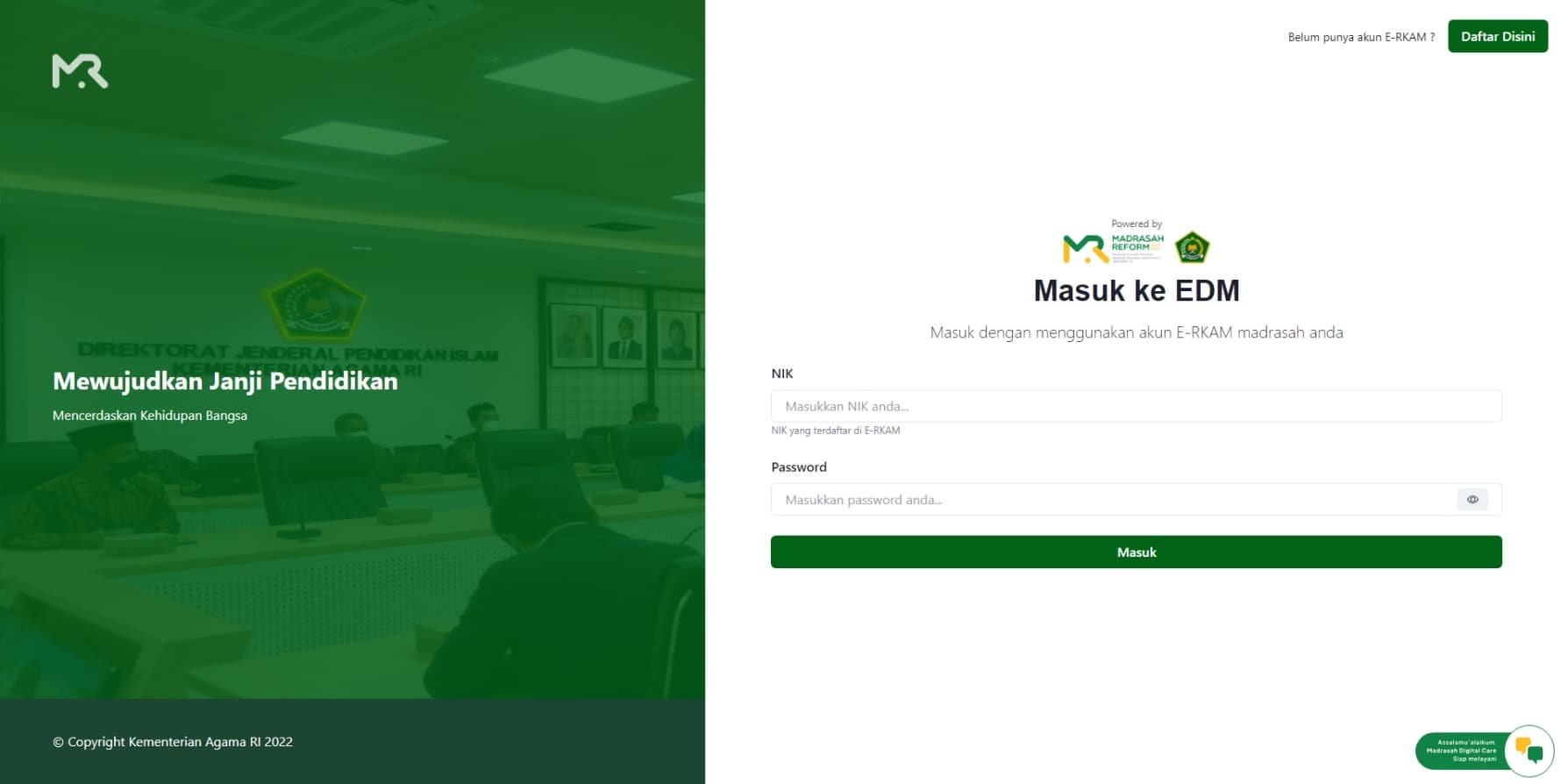
- User Authentication: Secure authentication and authorization using NextAuth.js with role-based access control.
- Multi-role Support: Different user roles (School Staff, School Principal, Supervisor, District/City Admin, Provincial Admin, Central Admin) with role-specific features.
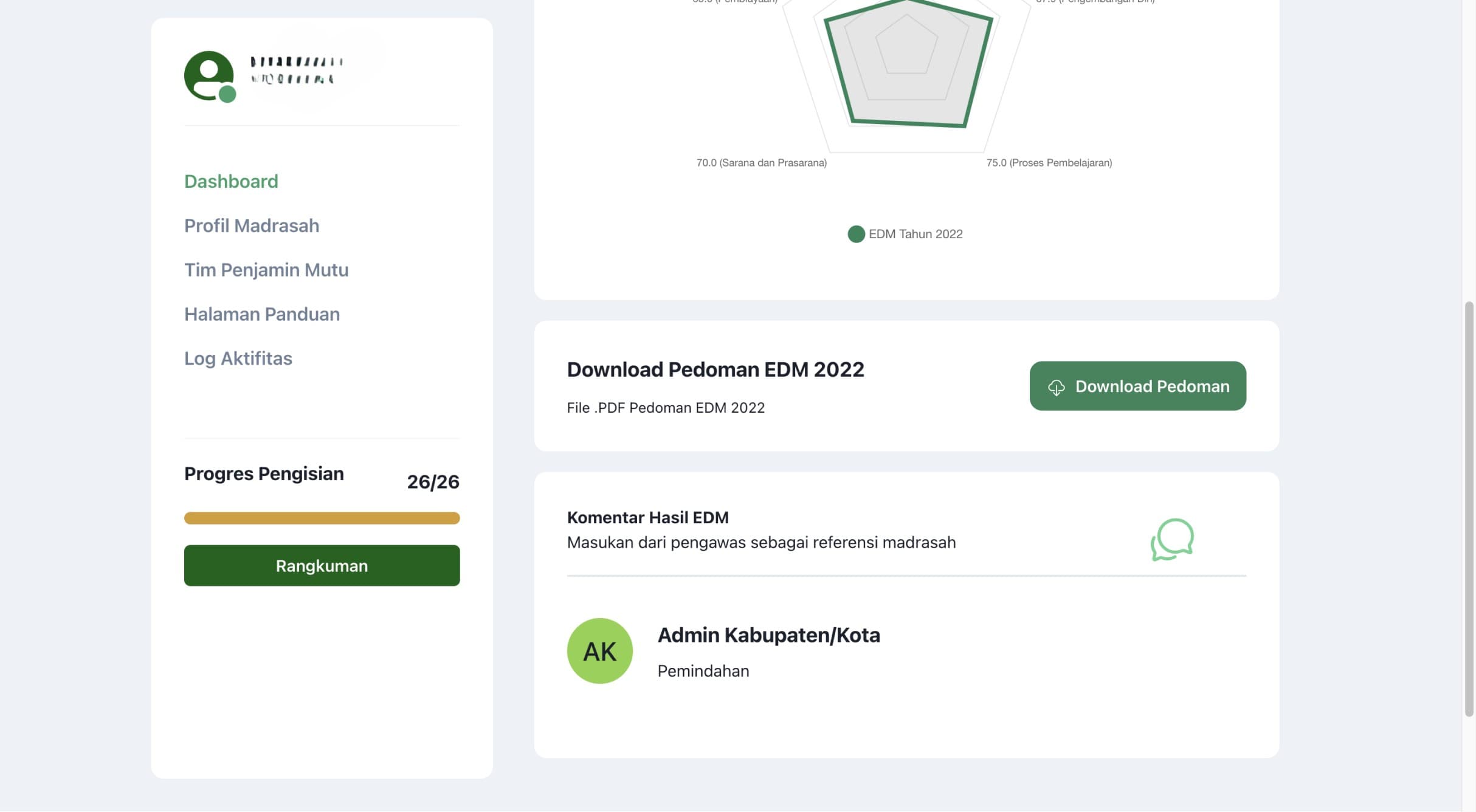
- Dashboard: Role-specific dashboards with summaries and visualizations of evaluation data.
- Self-Evaluation Process: Schools complete a structured self-evaluation questionnaire covering various aspects of school performance.
- File Upload: Document uploads as evidence for evaluation responses.
- Activity Planning: Schools plan and prioritize improvement activities based on evaluation results.
- Approval Workflow: Multi-step approval process involving school principals and supervisors.
- Historical Data: Historical evaluation data for year-on-year comparisons.
- Reporting: Reporting at different administrative levels.
- Data Visualization: Charts and graphs to present evaluation results and progress.
- External System Integration: Integrates with E-RKAM for budget planning.
Tech Stack
- React: For the frontend UI.
- Next.js: For server-side rendering, routing, and API routes.
- TypeScript: For type safety.
- Chakra UI: For UI components.
- Jotai: For state management.
- React Query: For server state management and data fetching.
- Axios: For HTTP requests.
- Zod: For validation.
- React Hook Form: For form handling.
- Chart.js: For data visualization.
- Cypress: For end-to-end testing.
- Docker: For containerization and deployment.
- Sentry: For error tracking and performance monitoring.
Lessons Learned
- Complex Workflow Management: Implementing a multi-step evaluation and approval process across different user roles required careful state management.
- Hierarchical Data Handling: Aggregating data at various administrative levels (school, district, province, national) was one of the main challenges.
- Performance: Handling large datasets and complex calculations needed optimization at the data fetching and rendering levels.
- Diverse User Base: The interface needed to work for users ranging from school staff to central administrators, with very different needs.
- Data Integrity: Keeping sensitive educational data confidential and accurate across the evaluation pipeline.
- Scalability: The system needed to handle a large number of schools and users across the country.
- Offline Support: Internet connectivity issues in remote areas required thinking about offline-first approaches.
- Localization: Supporting the Indonesian language and local educational context.
- Legacy Integration: Integrating with existing government educational systems required working with older APIs and data formats.
Screenshots